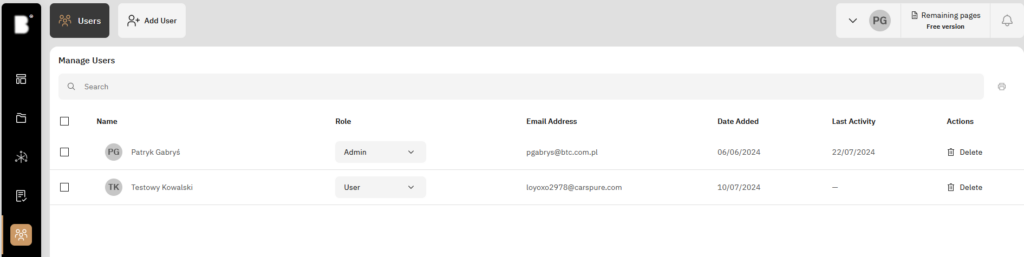
This view allows the administrator to view, manage, and add users to the workspace.
Adding Users
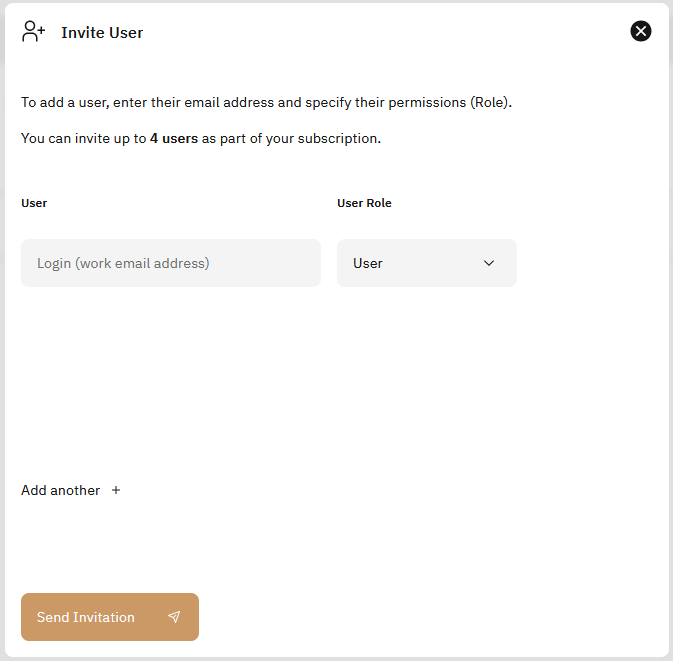
Administrators are able to add more users to their workspace via email and give them an appropriate role through the “Add User” button on top of the page. These users will be able to finish registration through a link received in an invitation email.