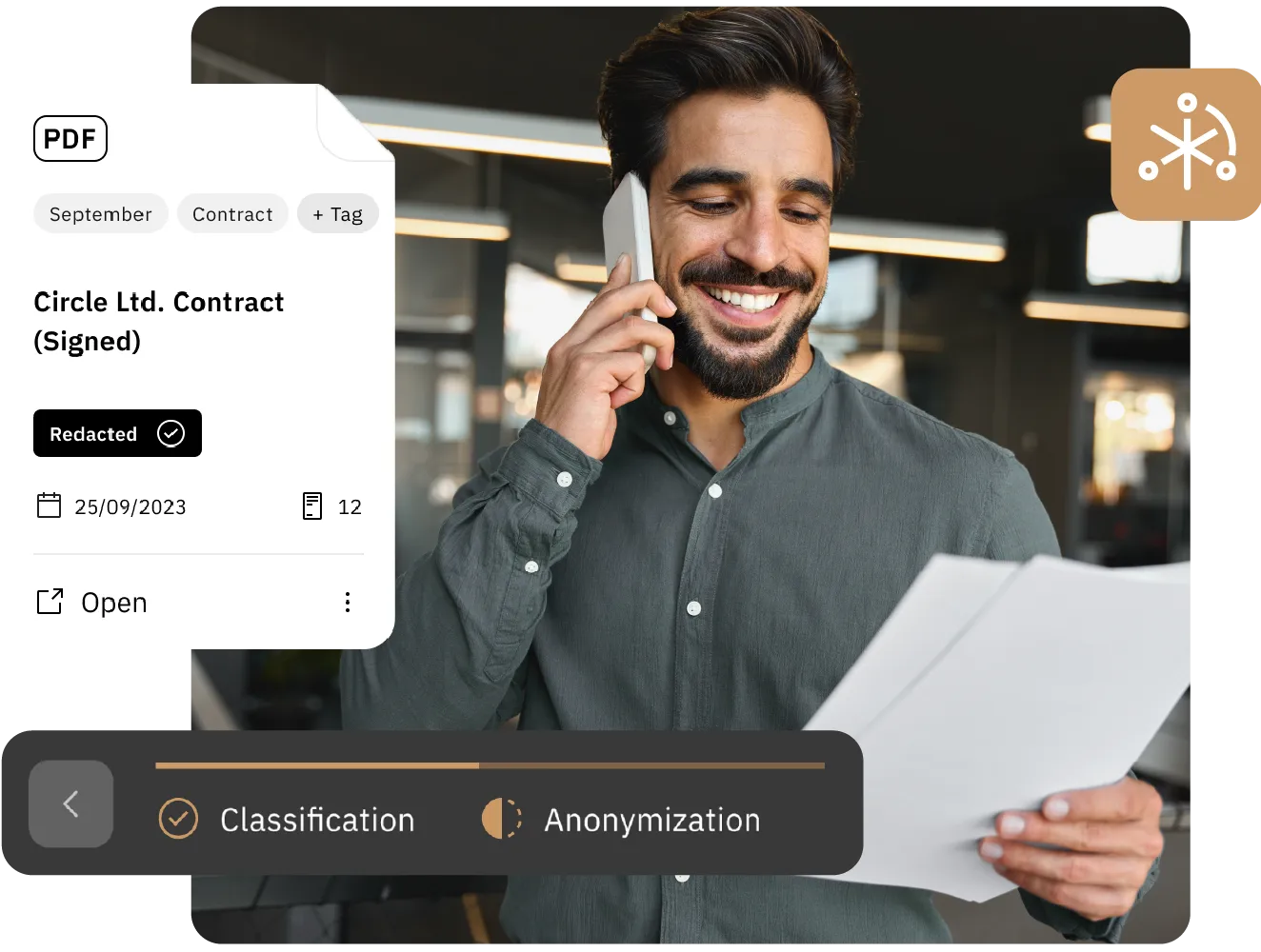
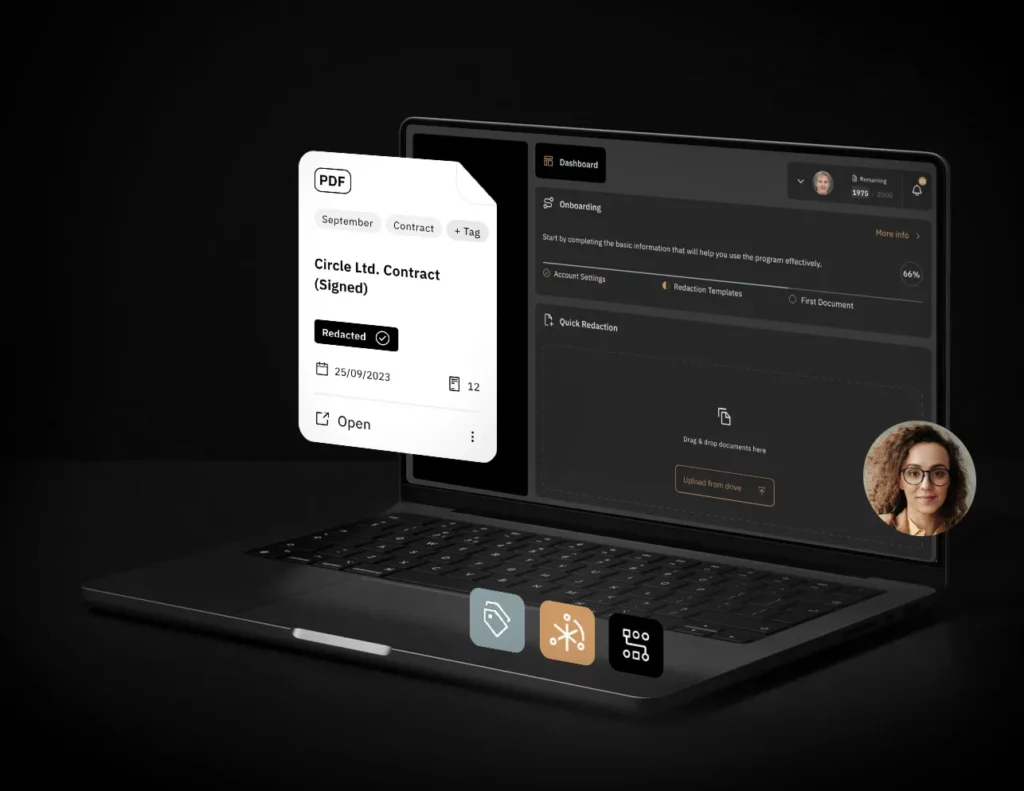
Bluur®’s redaction process is swift and efficient, allowing users to erase original files securely, utilize customizable templates, and organize projects with ease. Bluur® enhances collaboration, enabling teams to share and manage redacted documents seamlessly.
Redaction templates
Choose data redaction presets or create your own
Various Documents
Work with PDF, JPG, PNG, TIFF or DOC/X files
Team collaboration
Add members to your team and start redacting
New document redaction method
With advanced AI-driven tools for accurate classification and redaction, businesses can protect sensitive information from unauthorized access, reducing the risk of data breaches – saving time and resources while enabling seamless collaboration across teams.
Bluur® streamlines document management with an intuitive workflow that enhances both security and collaboration. Users begin by creating a project and entering details such as title and description, then assign team members to the project.
Various file formats can be uploaded, after which Bluur®’s AI support aids in the classification and redaction of sensitive information. The process culminates with the secure and easy download of redacted documents, ensuring a user-friendly experience from start to finish.
Bluur® platform offers robust security protocols, meaning that once documents are redacted, they can be safely archived with the assurance that their confidentiality is maintained.
Bluur® prioritizes document security with rigorous auditing measures provided by independent third-party cybersecurity companies to ensure that all files are completely inaccessible to unauthorized parties.
Redact documents in just a few minutes - a few simple steps to efficiency
Bluur® users can redact a 10-page document in as little as 3 minutes, while ensuring that every action is logged and the original file remains securely archived for future use. Experience the speed and security of Bluur® for efficient document anonymization.
1
Upload documents
to start a project
2
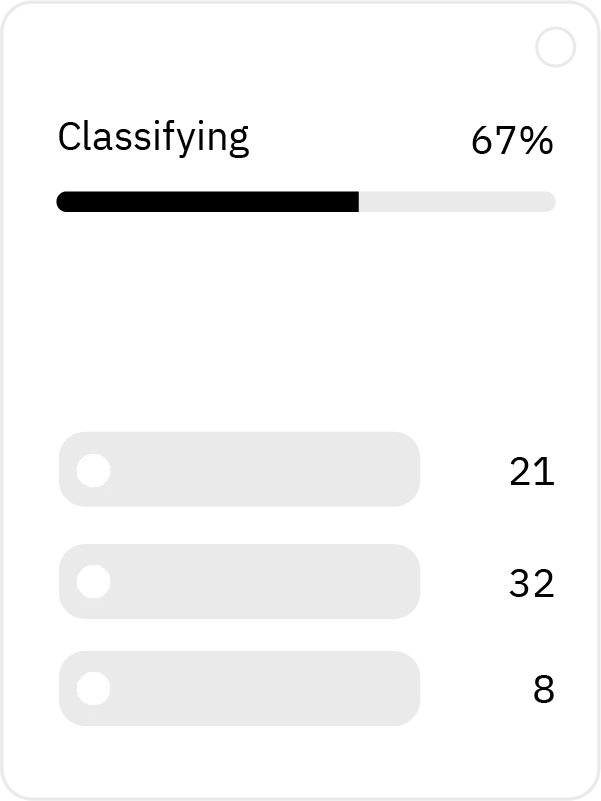
Bluur® AI/LM model scans for data
3
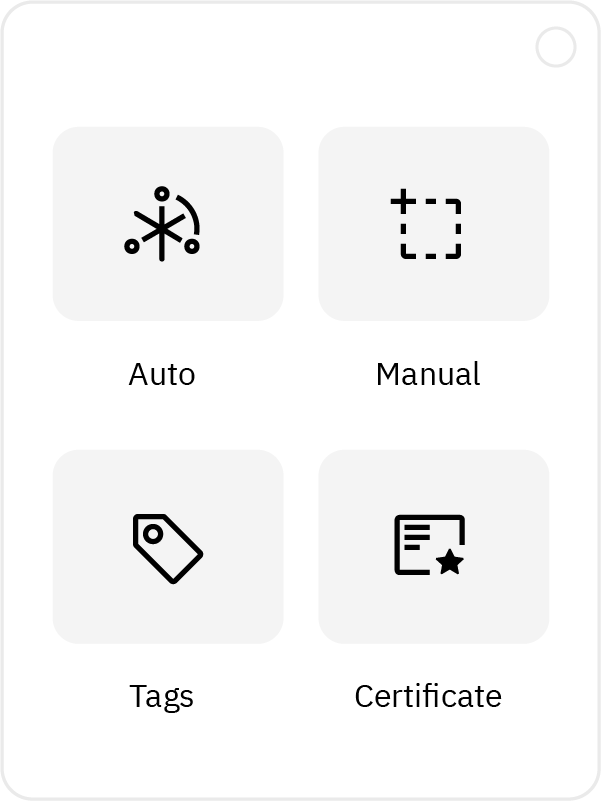
Anonymize using various redaction tools
4
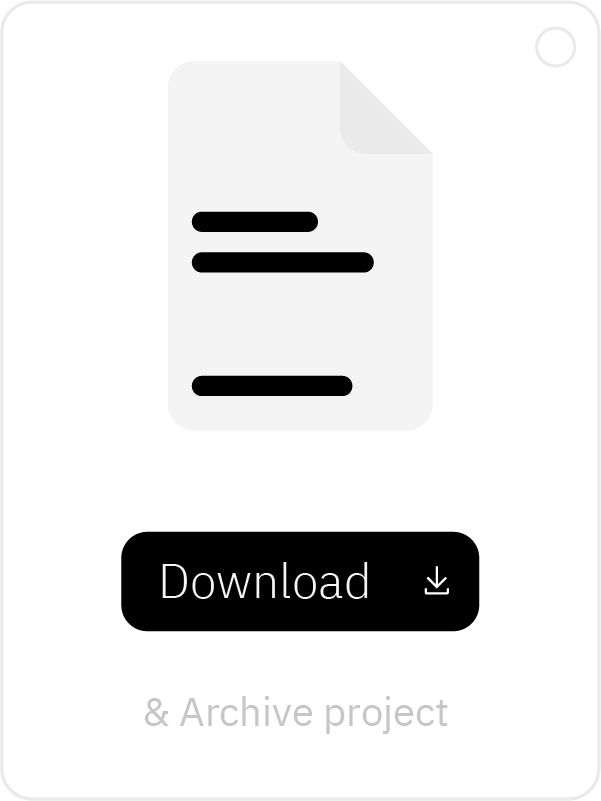
Download your redacted documents
Document redaction with Bluur
Embrace the power of AI-driven precision and streamline your document handling process today.