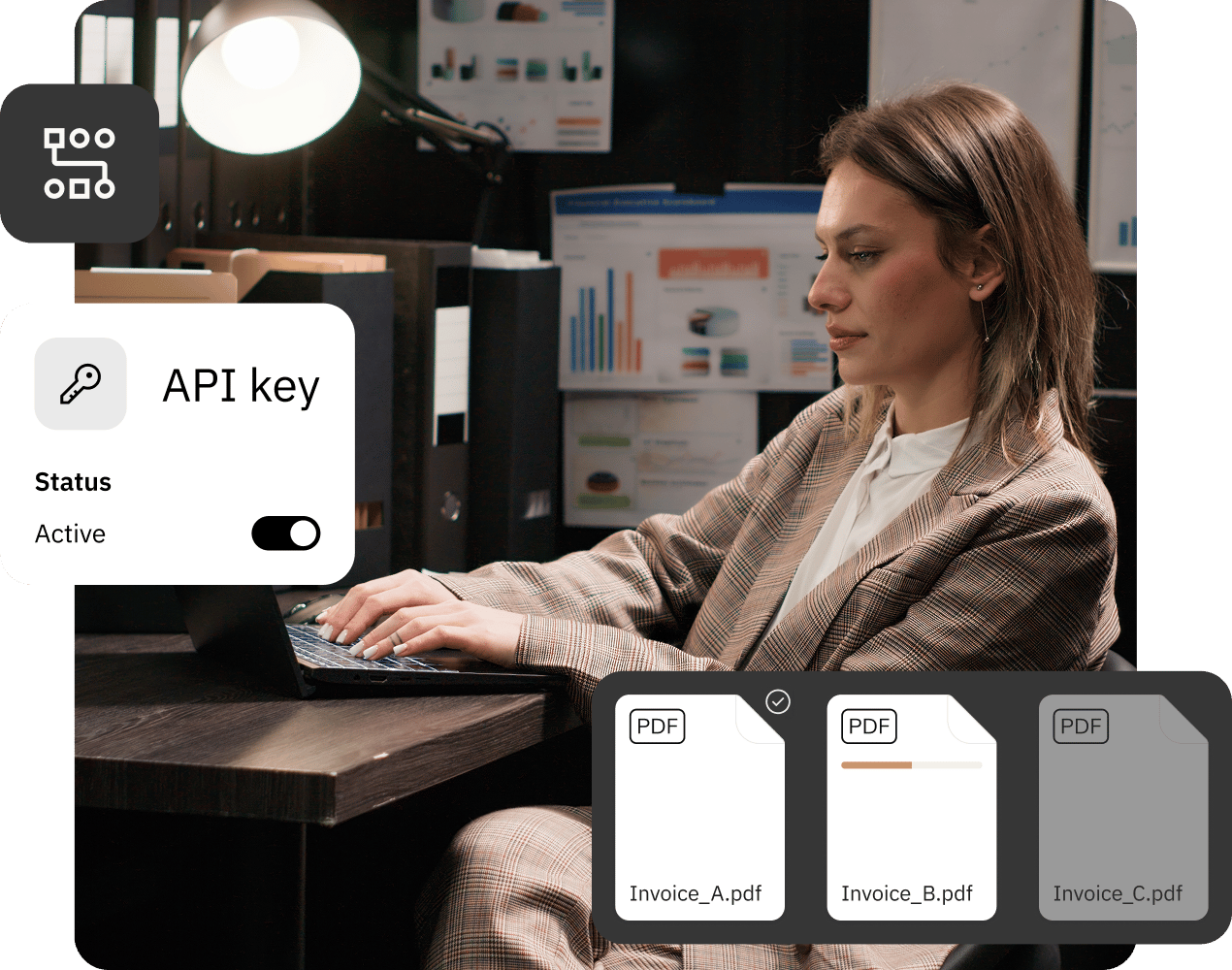
Connect Bluur® with the eAuditor platform to anonymize documents directly within the Employee Panel. Leverage artificial intelligence, pre-configured templates, and API integration – all without needing to switch between applications.
Integration with eAuditor
Anonymization of documents and text within a familiar working environment.
Ready-made anonymization schemes
Consistent data protection rules for the entire organization.
Connection via API
Sharing schemas with integrated systems.
Quick access to anonymization.
You do not need to launch a separate application to prepare a document for sharing. Bluur® technology is accessible directly from the eAuditor Employee Panel, with the available templates defined by an administrator.
Bluur® leverages the power of advanced artificial intelligence and language models (LMs) rather than traditional OCR technology to deliver superior accuracy in text recognition and data processing.
This modern approach not only increases precision but also improves the reliability and efficiency of document handling. By leveraging artificial intelligence and LLMs, Bluur® is able to better understand and interpret complex document structures and layouts, providing a more sophisticated solution than what OCR offers. This makes Bluur® an ideal choice for companies seeking cutting-edge technology to streamline their document management processes.
Integration with eAuditor brings the capabilities of Bluur® into the environment that employees use on a daily basis. Documents and text can be anonymized without the need to launch a separate application.
The administrator prepares templates and makes them available via an API. The user selects the appropriate configuration, adds a document or pastes text, and then retrieves the result. This simplifies the entire process and ensures that data protection policies remain consistent across the organization.
The administrator configures the connection and schemas. The employee uses a ready-made function within the eAuditor Employee Panel.
1
Integrate Bluur® with eAuditor
The administrator creates an API key and configures the integration.
2
Share the schema
Select data categories and share the schema via an API.
3
Add a document or text
The user initiates classification and anonymization in the panel.
4
Download the finished result
The anonymized document is available for download.
AI classification and text anonymization
Integration goes beyond the anonymization of files. Bluur® also helps identify information that requires protection and enables the processing of text directly within eAuditor.
Automatic classification
AI identifies and categorizes data within documents, eliminating the need for manual searching.
Text anonymization
Paste text, e.g. a fragment of a report or logs, and get a result with hidden information that requires protection.