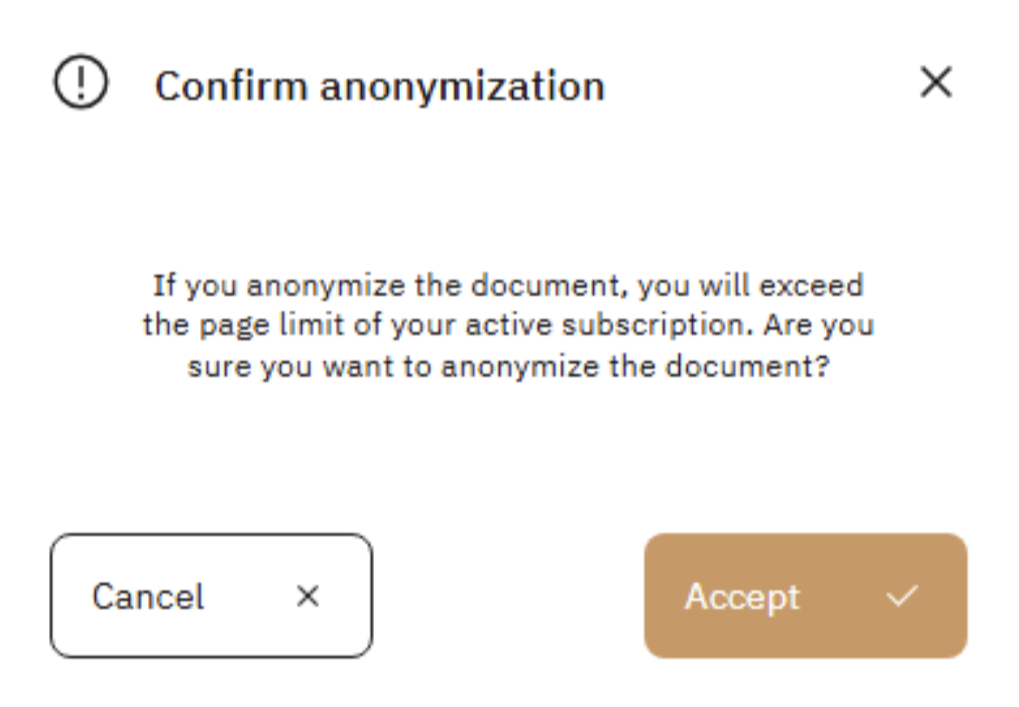
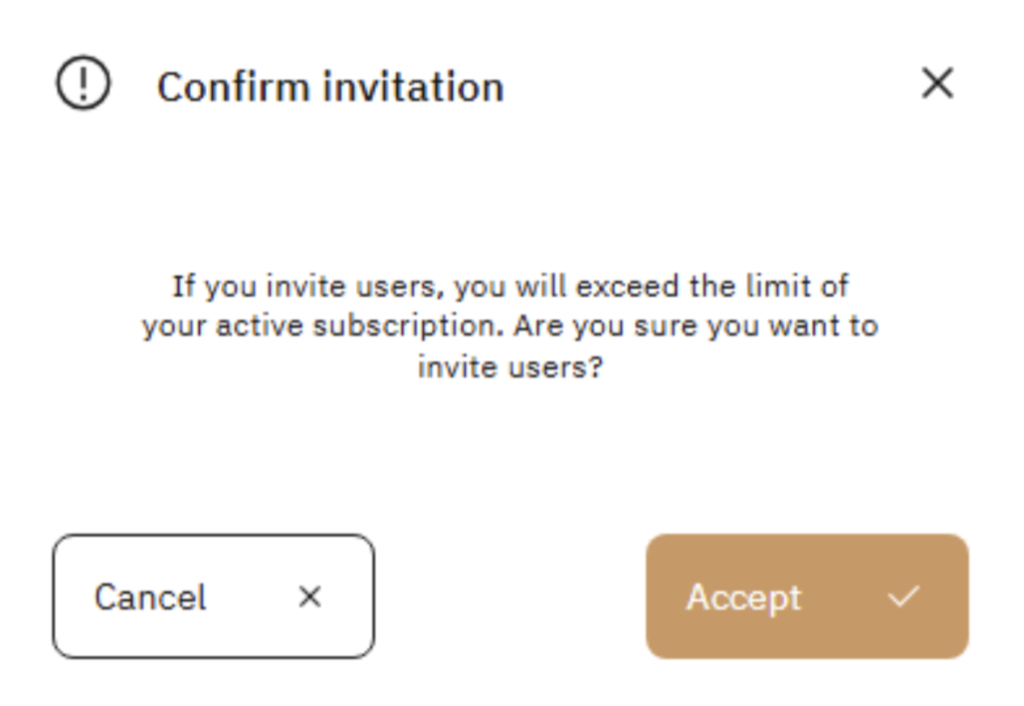
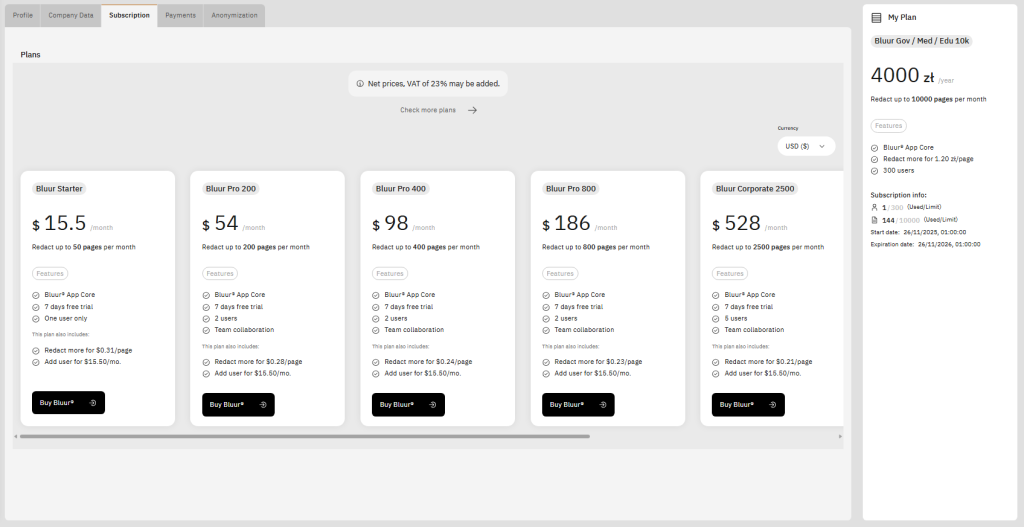
In this view, users can purchase the subscription plan that best suits their needs by selecting it from the scrollable list of plans located in the center of the screen. Each plan includes basic information about the price, page limit, and available features.
On the right side of the screen, detailed information about the currently selected subscription package is displayed. Here, the user can check, among other things:
- the name and price of the current plan,
- the monthly limit for anonymized pages,
- the number of users used relative to the available limit,
- the number of pages used relative to the limit,
- the start date of the current billing period,
- the end (expiration) date of the current billing period.
If the user limit or page limit is exceeded, the user can continue to use the system without interruption. Additional usage will be billed according to the overage rates assigned to the current subscription plan.
The user will be notified of the additional charges via a system message or notification in the application interface.