Why are real documents used during training?
Artificial examples do not always reflect the problems employees face in their daily work. This is why trainers often use real contracts, letters, complaints, forms, medical records, or incident reports.
Such materials show the actual structure of a document, the way a case was described, and the mistakes that may occur in practice. As a result, participants can understand the process more quickly and apply their knowledge more effectively.
At the same time, a real document may contain much more information than is necessary for training purposes. A customer’s name, national identification number, address, signature, or bank account number does not usually help participants understand the process. However, it may reveal the identity of a specific person.
What data may appear in training materials?
The scope of data depends on the type of document. A contract may contain information about the parties, representatives, and contact persons. A support request may include an email address, telephone number, and description of the problem. Medical documentation may reveal information about a patient’s health, treatment, and medical history.
Before using a document, organizations should check for information such as:
- names and surnames,
- home addresses,
- email addresses and telephone numbers,
- national identification numbers and identity document numbers,
- signatures,
- bank account numbers,
- health information,
- customer and contractor data,
- case, contract, or support ticket numbers,
- information placed in tables, headers, and footers.
Not every piece of information has to be removed. The document should retain the content needed to explain the problem. However, the amount of personal data should be limited to what participants actually need.
Why may covering data not be enough?
When preparing training materials, an employee may cover personal data with a black rectangle or place another graphic element over the text. The document may appear safe, but covering information visually does not always mean that it has been permanently removed.
After anonymization, the final file should therefore be checked carefully. Removed information should not be available through copying, searching, or changing the document’s visual settings.
Organizations should also review:
- the file name,
- comments and notes,
- headers and footers,
- tables,
- scanned signatures,
- additional pages and attachments.
The safest approach is to create a separate copy intended only for training purposes. The original file remains within the organization, while trainers and participants receive a version without unnecessary personal data.
How should documents be prepared for training?
Choose material that supports the training objective
The document should help explain a specific process, problem, or scenario. There is no need to share an entire case file when two pages of a contract or a single customer request are enough.
The smaller the amount of material, the easier it is to review and prepare it securely.
Identify the data that should be removed
Start by deciding which information participants need to see. Then identify the data that has no relevance to the exercise, analysis, or discussion.
For example, during customer complaint training, the description of the issue and the company’s response may be important. The customer’s name, telephone number, and home address are usually unnecessary.
Create a copy of the document
Do not anonymize the only available version of a file. Create a separate copy and name it clearly. This reduces the risk of changing the original document or sending the wrong version.
Anonymize the training documents
Remove selected data from the main text, tables, images, headers, and footers. At the same time, preserve the structure and context required to understand the material.
When several similar documents are used, the same anonymization rules should be applied to each of them. This helps ensure that all training materials are prepared consistently.
Review the result before sharing
Open the final document and check every page. Search for the removed data and pay attention to information included in the file name, footers, scanned elements, and attachments.
The document should only be shared with the trainer or participants after the review has been completed.
How does Bluur support the preparation of training materials?
Searching for personal data manually on every page takes time. It is also easy to overlook information hidden in a footer, table, scan, or another part of the document.
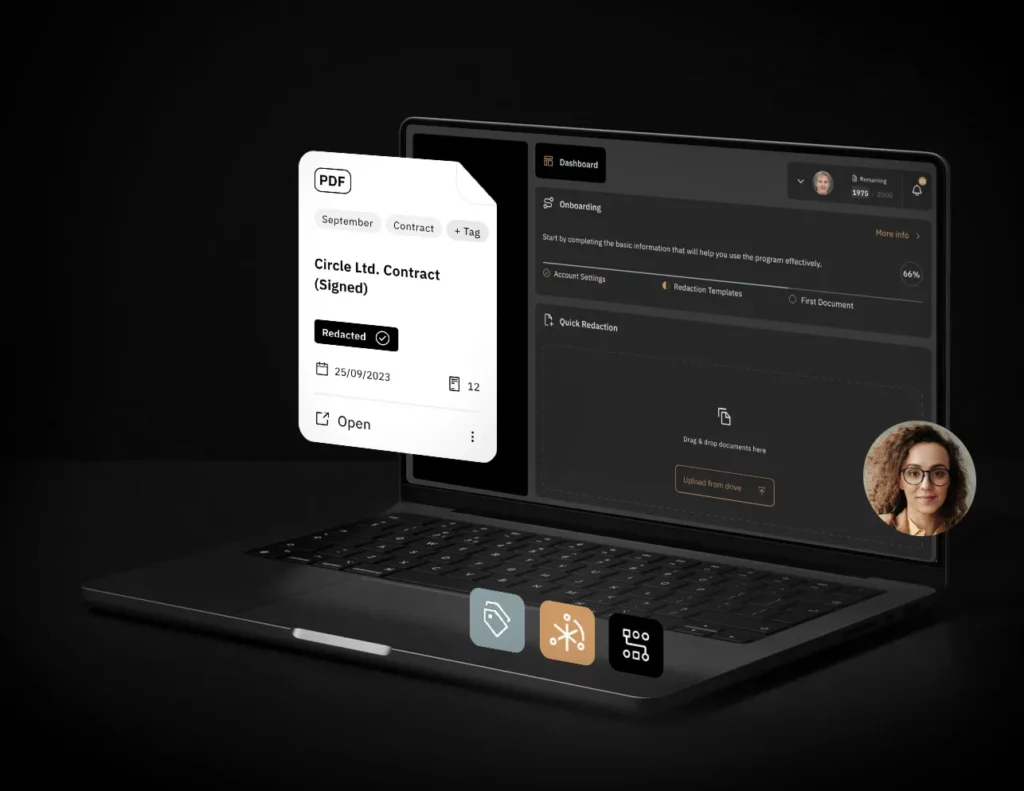
Bluur automatically analyzes the file and classifies the information it finds. Users can see the detected data directly in the document, review the results, and select the elements that should be anonymized.
The system supports file formats including PDF, JPG, PNG, and TIFF. It also allows organizations to use anonymization schemes, making it easier to prepare similar materials according to previously established rules.
Bluur does not decide which information may be used during training. That decision remains with the person responsible for the document. However, the system speeds up data detection, reduces manual work, and helps prepare a safer copy of the material.
A real example does not need to contain real personal data
Well-prepared training material preserves the value of the original document. It presents a real problem, process, or mistake without revealing information that participants do not need.
The anonymization of training documents allows organizations to use knowledge from real cases while reducing the risk of exposing personal data. It should therefore become a standard step when preparing training sessions, workshops, and presentations.