What is Shadow AI?
Shadow AI means using artificial intelligence tools outside the official control of the organization. In practice, it can be very simple: an employee copies part of a document into ChatGPT, uploads a file to an external AI tool, or uses a private account to quickly prepare a response, analysis, summary, or draft letter.
In most cases, this does not come from bad intentions. Employees want to complete tasks faster. AI helps them shorten working time, organize content, find mistakes, summarize documents, or prepare a first draft.
That is why simply banning AI often does not solve the problem. If a tool is useful, fast, and easily available, employees will continue to use it. Convenience often wins over procedure.
The scale of the problem is larger than many companies assume
Research shows that the use of AI at work has become widespread. Microsoft reported that 75% of knowledge workers use AI at work, and 78% of AI users bring their own AI tools to work. Salesforce reported that more than half of generative AI users use such tools without formal approval from their employer. A global study by the University of Melbourne and KPMG also found that 57% of employees used AI in non-transparent ways, while 48% uploaded company information to public AI tools.
This means the key question is no longer: “Will employees use AI?” The more important question is: what data will reach AI before the company even notices?
The risk is not theoretical. Netskope reported an average of 223 incidents per month per organization involving sensitive data being sent to AI applications. Cyberhaven found that 27.4% of corporate data sent to AI tools was sensitive. This included customer support information, source code, R&D materials, HR data, financial information, and legal documents.
Why blocking AI is not enough
The simplest reaction is to ban the use of public AI tools. In some cases, such a decision may be justified. However, on its own, it rarely solves the problem.
An employee can use a private phone, a personal account, another AI tool, or simply paste content into a place the company does not monitor. If the organization does not provide a safe and equally convenient alternative, users will look for workarounds.
Research shows that Shadow AI is often hidden because employees do not want to admit they use AI, or they are not sure whether they are allowed to use it. Traditional IT tools may also fail to detect interactions carried out through private accounts, browsers, or unmanaged applications.
That is why a more effective approach is not just saying “you are not allowed.” The better question is: how can employees use AI without sending raw documents to AI models?
Document anonymization before AI as a practical standard
If an AI model is used to summarize a document, prepare a response, or analyze content, it usually does not need full personal data or confidential identifiers. It does not need to know a national identification number, a client’s address, a signature, contact details, case number, or contractor name if those details are not necessary for the task.
This is why document anonymization before AI should become a practical step in working with LLM tools.
Such a process helps reduce the amount of data shared further. The employee can still benefit from the convenience of AI, but the document is prepared in a safer way first. This approach is closer to the principle of data minimization and fits everyday work better than simply reminding users to “be careful what they paste.”
Manual anonymization is too slow
In theory, an employee can manually remove sensitive data from a document before using AI. In practice, manual anonymization is time-consuming, inconvenient, and prone to errors.
Data may appear not only in the main body of the document, but also in tables, headers, footers, signatures, scans, attachments, and images. One missed fragment may be enough for information the company did not intend to share to reach an AI model.
If preparing the document takes longer than using AI itself, users will quickly start bypassing the procedure. Security has to be simple. Otherwise, it loses to convenience.
How does Bluur help?
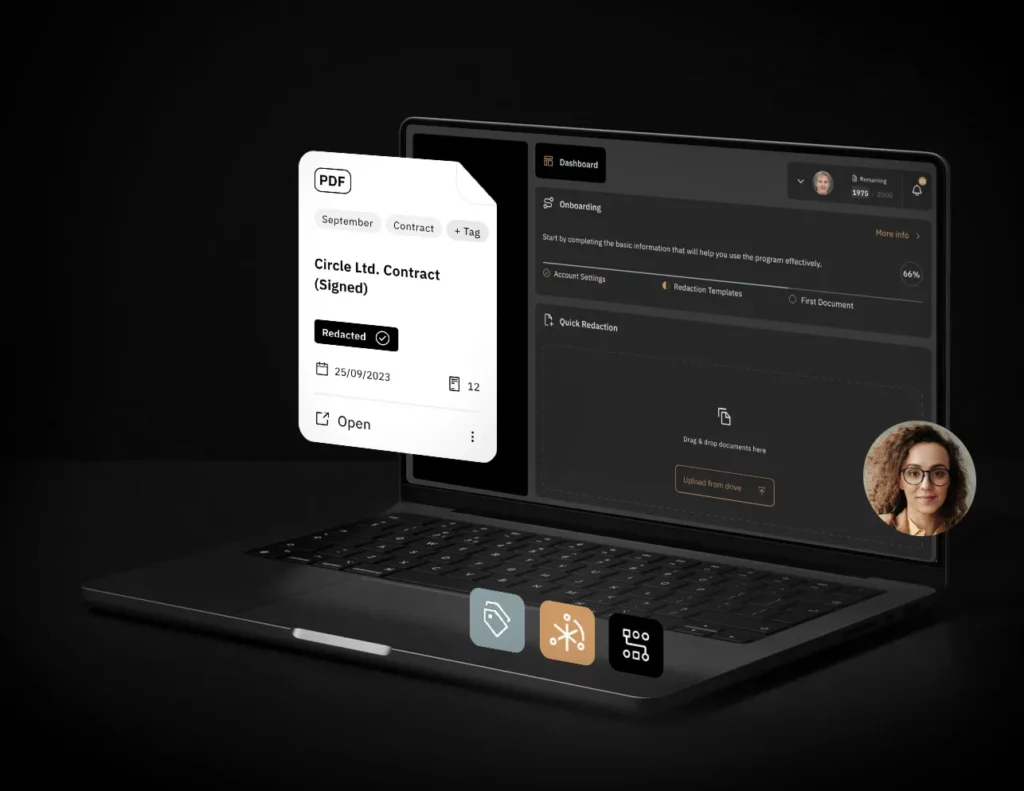
Bluur helps organizations quickly prepare documents for further use, including work with AI tools. The solution supports the detection and anonymization of data in documents to reduce the risk of sending personal, confidential, or business-sensitive information to AI models.
In practice, the process may look like this:
- An employee receives a document they want to use in AI-assisted work.
- Before sending the content to a model, the document is processed in Bluur.
- The system helps detect data that requires protection.
- The document is prepared for further work.
- Only then can the processed content be used in an approved AI tool.
This approach does not block productivity. On the contrary, it allows the company to use the potential of AI without ignoring data protection risks.
Shadow AI will not disappear. It must be managed
Generative AI has become part of everyday office work. Employees will continue to use it because it helps them write, analyze, summarize, and organize information faster. Companies that rely only on bans may not stop this behavior. They may only push it outside the official workflow.
That is why organizations should introduce a simple rule: before a document goes to AI, it should be classified and anonymized.
This is a practical compromise between security and efficiency. Employees keep the convenience of working with AI, while the company reduces the risk of data exposure, confidentiality breaches, and loss of control over documents.
Try Bluur
If your employees use ChatGPT, Copilot, Gemini, Claude, or other AI tools, make sure documents are not sent to models in their raw form.
Bluur helps prepare documents for safer AI use by detecting and anonymizing data that requires protection.
Test Bluur and see how easily you can reduce the risks associated with Shadow AI in your organization.