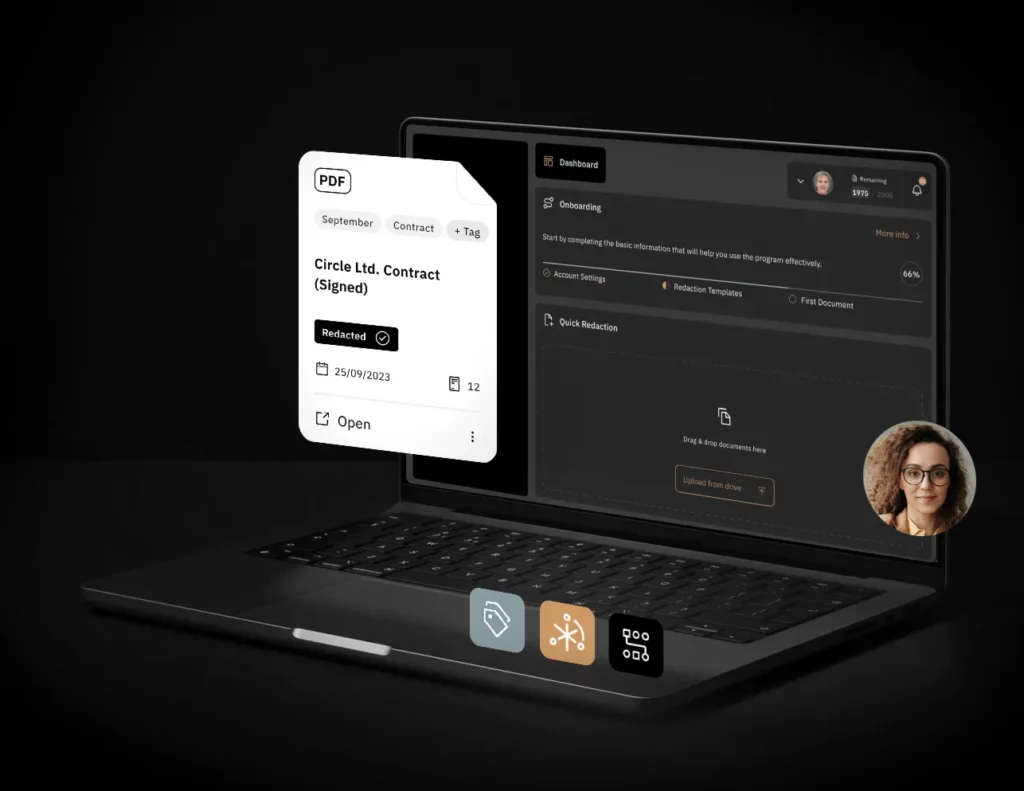
Before sharing a letter, contract or council resolution, a public institution needs to decide what the recipient should see. In practice, that often means working with scans, attachments and documents with different layouts. Document redaction software for the public sector should make these files easier to prepare while giving the institution control over who can access them and how long they are kept.
Start by asking the provider how the software works: which steps it automates, how it uses AI and what the exported file contains. The answers will help you judge how well the tool fits the everyday work of a local authority, school or public hospital.
What does automated redaction actually do?
Automation can cover several parts of the process: flagging areas that may contain sensitive information, applying saved settings, processing multiple files, or starting a job through an integration with another system. Find out which steps the tool handles and when the user approves the content to remove.
Ask whether the tool suggests areas to redact, supports reusable templates and can handle several documents in one job. Check whether you can adjust the selections before applying the redactions. When publishing a document, you need to remove protected information while keeping the material that should be public readable.
Does the AI train on uploaded documents?
An AI model can flag information in a file without using that file to train the model. The distinction matters when an institution uploads correspondence from residents, staff records or documents containing confidential information.
Ask whether the provider or any third party uses uploaded documents or excerpts to train AI models. Also ask whether the AI features send files to an external service. This helps you understand where a document goes after you upload it and how it may be used.
Can someone remove a black box and reveal the data?
What matters is the copy you plan to share. A black box can be a graphic placed over the text. If someone can move or delete it and the original content is still in the file, the information remains accessible.
Ask whether the tool permanently removes the content in the selected areas from the downloaded copy. Check whether the covered text can still be found by searching the file or copying text from it. For more on what to look for, see our guide to checking PDF redaction.
What happens to comments, layers and hidden information?
A document can contain comments, hidden text, metadata or content on separate layers. Depending on the format and how the file was created, some of that information may not appear when you open the document. The UK Information Commissioner’s Office explains these risks in its guidance on disclosing documents securely.
Ask how the tool handles comments, text layers behind scans, metadata and embedded attachments. Does it remove them when it creates the redacted copy, or is there a separate step? What might remain in the exported file? Ask about the formats your team uses, since the answer can differ for a PDF and an editable document.
Who can access the documents?
People in the same organisation may need access to different files. Check whether you can grant access to specific people or projects and revoke it when someone’s responsibilities change.
Ask who can view the originals and redacted copies, and whether the tool keeps an activity history. Ask when the provider’s support or operations staff can access files, and what limits apply. That will help you understand who can see the documents both inside your organisation and on the provider’s side.
What should you ask about a cloud redaction tool?
A cloud service lets your team use the application without maintaining its own installation. In a software as a service (SaaS) setup, the provider manages application updates, while your organisation manages user access and its own rules for handling data. Poland’s government guide to cloud services explains this division of responsibilities. If your organisation allows cloud use for the documents in question, ask:
- Where are the files stored? In which country is the application hosted, and where are backups kept if the provider makes them?
- How are files protected? What safeguards apply when documents are sent and stored? How does the service keep each customer’s data separate?
- How long are documents kept? Can you set a retention period and delete the original after redaction?
- What does deletion cover? Does it remove the source file, the redacted copy or both? What happens to backups?
Deleting a file from the application does not remove copies that staff have already downloaded. Your organisation still needs to manage those copies under its own rules.
What are good signs when evaluating a provider?
Independent penetration testing is a positive sign. It shows that an external team examined the application’s security. Check when the testing took place and what it covered. OWASP ASVS is one standard used to assess web application security.
Other good signs include regular updates, clear explanations of who can access data and readily available information about security. A provider’s trust centre can help you understand where the service runs, how it handles documents and what it uses AI for.
How Bluur handles document redaction
AI suggestions and permanent removal of approved content
Bluur uses AI to suggest areas based on predefined data categories. You can adjust the selections and approve what to remove, and use redaction templates for recurring tasks. Bluur permanently removes content from the approved areas in the downloaded copy. The black boxes cannot be moved to reveal the original content in those areas. That lets you focus on deciding what the recipient should and should not see.
Customer documents are not used for AI training
Bluur uses a frozen AI model. Customer documents are not used to train Bluur’s models or third-party models. The model suggests areas, and you decide which ones to redact.
Cloud hosting in Poland and control over retention
Bluur runs in a browser and is hosted at an OVHcloud data centre in Ożarów Mazowiecki, Poland. Data is encrypted in transit, and customer environments are logically separated. You can grant project access to selected users. Authorised users can view the redaction history, and projects can be set to automatically delete source files after a specified period.
Independent security testing by TestArmy
On 5 October 2026, TestArmy carried out a security audit and penetration testing of Bluur. According to the published results, Bluur met the OWASP ASVS Level 2 requirements on the date of testing. Visit Bluur Trust for information about security safeguards and testing.
Looking for a document redaction tool for your institution? Talk to the Bluur team about the documents you handle and the features your team needs.